How InboxCheck Works: List Quality Beyond Valid/Invalid Flags
Key Takeaways
- Industry data indicates that at least 23% to 30% of email addresses on a typical list are either invalid or risky enough to cause deliverability problems before you hit send.
- A "valid" email address is not the same as a good email address - deliverability depends on far more than passing a syntax check.
- Disposable domains and role accounts (like info@ or support@) are two of the most overlooked threats to cold email and newsletter performance.
- InboxCheck goes beyond valid/invalid flags by categorizing contacts into actionable tiers, so you know exactly which leads are worth pursuing - covered in detail below.
- A one-time purchase model can eliminate the recurring per-email verification costs that quietly drain campaign budgets.
Most marketers running cold email or newsletter campaigns think about list cleaning in binary terms: an address is either good or it isn't. That framing misses most of what actually kills deliverability. The real damage comes from the gray zone - addresses that pass basic checks but quietly drag down open rates, inflate bounce metrics, and chip away at sender reputation over time.
A Significant Share of Your List May Already Be Working Against You
Industry data indicates that at least 23% to 30% of email addresses on a typical list are either invalid or risky enough to cause problems. That's not a rounding error. On a list of 10,000 contacts, that translates to thousands of addresses actively costing you reputation points, wasted sends, and skewed analytics.
Mailbox providers like Google and Microsoft have tightened enforcement considerably. A poor sender reputation no longer just means slower delivery - it can mean permanent rejection. The margin for error has shrunk, and lists that were fine two years ago may not survive today's filtering standards. Business Loud breaks down the real cost of ignoring list quality at this breakdown on cutting list cleaning costs.
Why Valid/Invalid Is the Wrong Question
The valid/invalid framing made sense when the main risk was a hard bounce. Today, the more important question is: will this email reach someone who might actually engage? That requires a different lens entirely.
Deliverable vs. Risky vs. Unknown
Better verification tools classify addresses into tiers rather than a binary pass/fail. Deliverable means the domain has live mail servers and the address clears syntax and MX checks. Risky covers addresses that are technically reachable but carry red flags - accept-all domains, disposable email services, or role accounts. Unknown typically means the domain is unresponsive or the result was inconclusive. Each tier calls for a different action, and collapsing them into a single "valid" bucket discards that signal entirely.
When 'Valid' Still Means Weak
A role account like sales@company.com will pass a syntax check and often resolve to a live mail server - making it technically valid. But it's still a weaker cold outreach target than a named individual's address. Multiple people may share it, consent is ambiguous, and the likelihood of a spam complaint is higher. The same applies to accept-all domains, which accept every incoming message regardless of whether the specific mailbox exists, making them impossible to verify accurately at the SMTP level.
The Hidden Threats: Disposable Domains and Role Accounts
Two categories of addresses cause outsized damage relative to how often they're caught: disposable domains and role-based inboxes. Both pass basic validation, both routinely slip through unscreened lists, and both hurt campaigns in different but compounding ways.
Disposable Domains Skew Your Analytics
Disposable email addresses - created through services designed for one-time signups - dilute lead quality in ways that don't surface until you're reviewing a campaign that underperformed. The person who signed up with a temp domain had no intention of engaging. Their open (if it registers at all) still gets counted, their lack of reply gets averaged in, and your engagement rate quietly drops. InboxCheck flags these addresses using a built-in database of 2,100+ known disposable domains (compared to over 160,000 to 200,000+ tracked by some industry services), making them identifiable and separable before a single send goes out.
Role Accounts Invite Spam Complaints
Role accounts - info@, support@, admin@, sales@ - are shared inboxes. Someone who never signed up for your list might be the one who opens your email, and that person has every reason to hit "mark as spam" rather than unsubscribe. Even one spam complaint per few hundred sends is enough to start degrading sender reputation. Keeping role accounts in a separate segment - rather than deleting them outright - lets you make a deliberate call on whether to contact them at all.
How InboxCheck Processes Your List
InboxCheck handles list cleaning locally, meaning the entire process runs on your own machine. No contacts are uploaded to a third-party server - a meaningful distinction if the list contains proprietary leads or client data.
Syntax, Live MX Records, and Duplicate Removal
The verification process works in layers. First, every address is checked for syntax errors - malformed entries that would bounce immediately. Then InboxCheck performs live MX record lookups to confirm the domain has functioning mail servers. Concurrent lookups keep this fast: a few thousand addresses get processed in minutes. Duplicate removal runs in the same pass, so the output list doesn't carry redundant contacts that inflate send counts without adding reach.
Your Data Stays Local - With One Honest Caveat
Local processing is a genuine advantage for anyone handling sensitive lead data. That said, InboxCheck is transparent about what verification can and cannot do. No tool can confirm with certainty that a specific inbox is active and monitored - SMTP-level handshakes are frequently blocked or faked by mail providers. What InboxCheck does is confirm the domain can receive mail and filter out the obvious problems: dead syntax, missing MX records, known disposable domains, duplicates, and role accounts. That's the layer of cleanup that actually protects sender reputation in practice.
Color-Coded Output You Can Act On Immediately
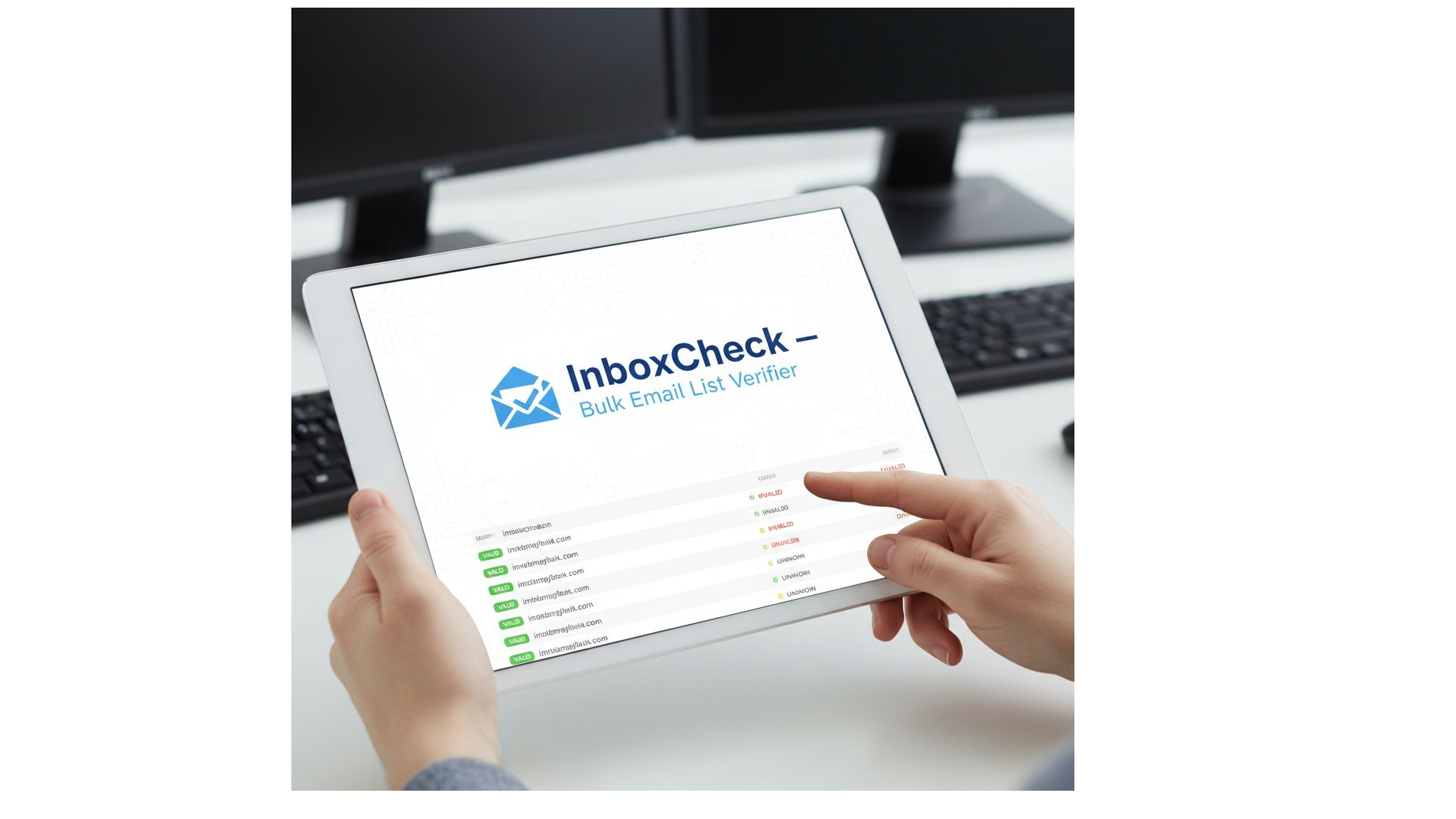
After processing, InboxCheck returns two files: your original CSV untouched, and a new Excel file with every contact color-highlighted by category. Green indicates deliverable named addresses - your strongest targets. Amber flags role accounts. Lavender marks disposable or risky domains. Red catches undeliverable addresses. A summary tab gives an at-a-glance count for each category.
That color structure turns a list review from a row-by-row task into a segmentation decision. Instead of reading through thousands of entries, a marketer can sort by color, pull the green tier into the primary send, and decide separately what to do with amber and lavender contacts. Handing off a cleaned list to a sales team or client also becomes substantially faster - the categories are self-explanatory without any additional documentation.
One Price, Unlimited Lists
InboxCheck uses a one-time purchase model at $37. There are no monthly fees, no per-email charges, and no limits on how many lists get processed after purchase.
What Per-Email Pricing Actually Costs
For context: services like ZeroBounce and NeverBounce typically charge between $0.005 and $0.01 per address verified. A single 10,000-contact list runs $50 to $100 each time it goes through verification. For agencies or in-house teams verifying lists on a regular cadence - before each campaign, after each new import - that cost compounds fast. A one-time $37 purchase eliminates that entirely, which makes the math fairly straightforward for anyone who cleans lists more than once or twice a year. The tool also includes both a point-and-click GUI for non-technical users and a command-line version for agencies who want to slot it into a larger automated workflow.
Clean Lists Mean Better Replies, Not Just Fewer Bounces
The most common framing around list cleaning focuses on bounce rate reduction. That's real, but it undersells the actual benefit. When a list is stripped of dead addresses, disposable domains, and role accounts, the remaining segment is denser with real, named people who are plausibly reachable. That changes more than the bounce metric - it shifts reply rates, engagement rates, and the accuracy of every performance number used to evaluate the campaign.
A campaign sent to a cleaned, prioritized list is more likely to generate a real conversation, because the send volume is concentrated on contacts that were worth emailing in the first place. That's the actual goal of list quality - not a lower bounce number, but a higher signal-to-noise ratio across the entire outreach effort.
For marketers who want to go deeper on managing list quality without adding to their monthly SaaS stack, Business Loud covers email deliverability, list strategy, and practical tools for cold email and newsletter campaigns.
Business Loud
City: Pukekohe
Address: 21 Taepu Road
Website: https://businessloud.com


Comments
Post a Comment