Oberheim OB-X8 Review: Page 2 Functions & 40+ Hidden Sound Parameters
Key Takeaways
- The OB-X8 includes "40+" Page 2 functions for deeper editing beyond the front panel.
- Examples of Page 2 features include additional SEM filter modes, per-voice panning, LFO keyboard tracking, mod delay time, envelope inversion, and independent pulse width control.
- The OB-X8 is an 8-voice analog polysynth that combines the OB-X, OB-Xa, and OB-8 voice architectures, with an OLED display for accessing advanced features.
- Oberheim offers an optional SoundTower editor/librarian ("OB-X8 SoundEditor") in standalone and plugin formats.
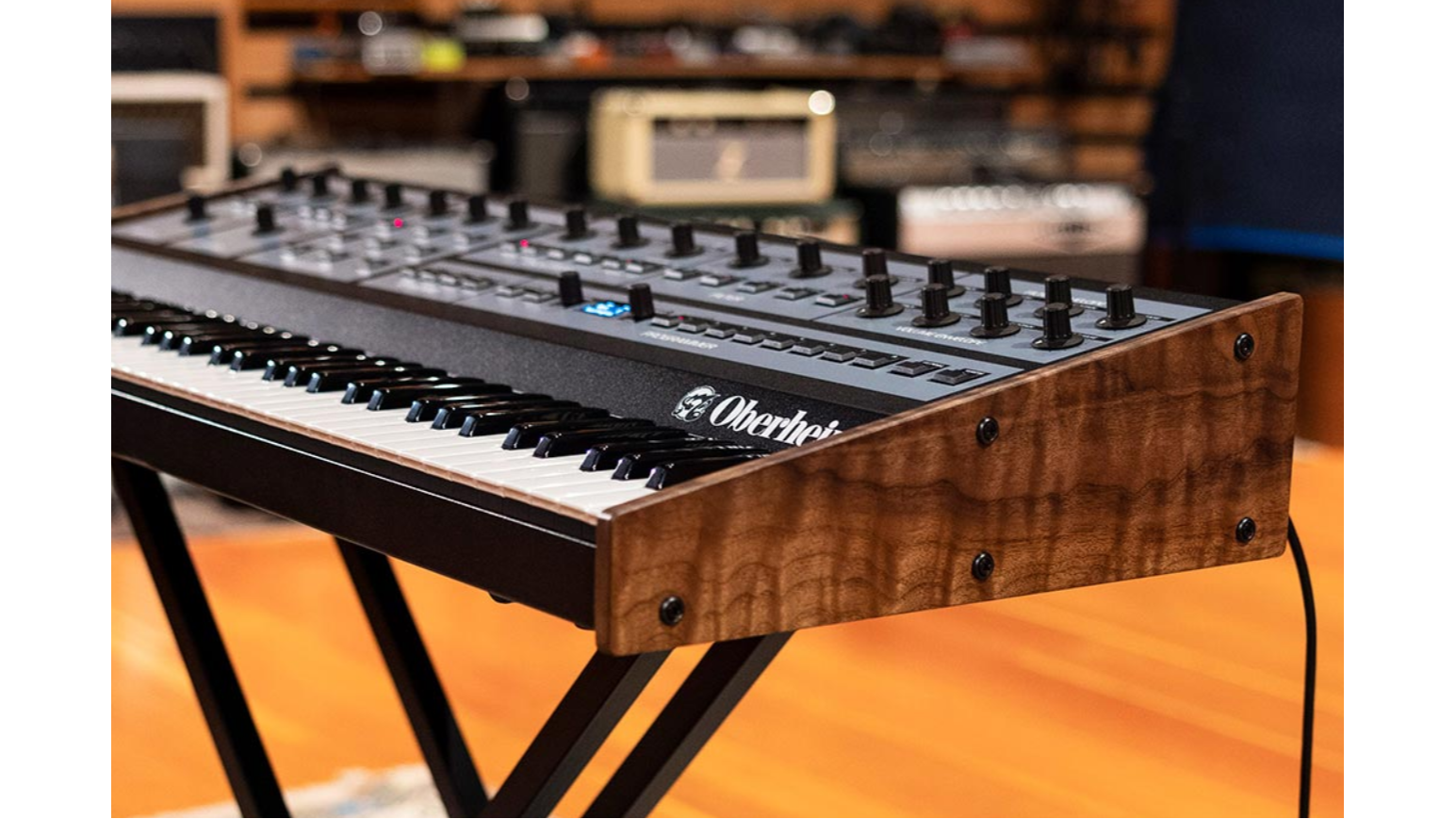
The Oberheim OB-X8 is designed to feel immediate on the surface—two VCOs per voice, a familiar panel, and a pure analog signal path—while still offering deeper control through its "Page 2" feature set. If you've dialed in the essentials from the front panel and want more detailed movement, stereo control, or modulation options, Page 2 is where those additions live.
Access Over 40 Advanced Sound Parameters Hidden Behind OB-X8's Interface
Oberheim describes the OB-X8 as including "40+" Page 2 functions, accessed via the instrument's OLED display, with new parameters added beyond what was available on earlier models. Rather than changing the hands-on workflow, Page 2 extends it—giving you extra options when you need them without turning the OB-X8 into a menu-first instrument.
Sam Ash carries the OB-X8 as an 8-voice analog polysynth that combines the OB-X, OB-Xa, and OB-8 voice architectures, and the Page 2 layer is part of what makes that "three-in-one" concept more flexible in day-to-day programming.
Essential Page 2 Functions Every Sound Designer Should Know
1. SEM Filter Modes Expand Tonal Possibilities
Oberheim notes that Page 2 includes additional SEM filter modes. If you're exploring the OB-X side of the OB-X8, these modes are one of the most direct ways to broaden the basic filter behavior beyond the primary front-panel choices.
2. Per-Voice Panning Creates Immersive Soundscapes
Page 2 includes per-voice panning, along with programmable pan and spread—useful for widening pads, placing stacked voices across the stereo field, or keeping layered parts separated in a mix.
3. LFO Keyboard Tracking Adds Musical Expression
Oberheim lists LFO keyboard tracking as a Page 2 feature. In practice, this lets modulation behavior track your playing range—handy when you want movement that stays consistent across the keyboard.
4. Independent Pulse Width Control for Rich Textures
Oberheim also calls out independent pulse-width control on Page 2. This is a practical upgrade for shaping oscillator character in more detail—especially when you're building animated timbres from pulse waves.
Advanced Modulation Parameters Transform Basic Patches
Envelope Inversion for Unique Sound Effects
Envelope inversion is included in the OB-X8's Page 2 list. It's a straightforward way to push beyond standard "open on attack, close on release" behaviors when you're assigning envelopes to tone-shaping destinations.
Continuous Oscillator and Noise Level Control
Oberheim lists variable oscillator and noise levels as an OB-X8 enhancement. This gives you finer control over source balance when building patches, without being limited to fixed steps.
Unison and Voice Architecture Controls
Variable Voice Stacking and Detune Options
The OB-X8 is an 8-voice polysynth, and Sam Ash highlights its bi-timbral operation (splits and doubles). When you're stacking parts, Page 2's deeper controls can be a valuable complement to the instrument's performance-oriented design—especially for dialing in how a sound sits in a layered setup.
Selectable Envelope Curves from Different OB Models
Both Oberheim and Sam Ash emphasize that the OB-X8 combines the OB-X, OB-Xa, and OB-8 architectures, each with its distinct characteristics. If you're aiming to stay closer to one model's feel versus another, the OB-X8 is designed around that concept—Page 2 exists in part to help you access and refine those differences.
Navigate Page 2 Menus Like a Pro
Page 2 is accessed through the OB-X8's OLED display, and Oberheim positions it as a way to reach deeper parameters while keeping the instrument's tactile workflow intact. A practical approach is to identify a short list of Page 2 parameters you use most (for example, panning/spread and LFO tracking) and revisit them as part of your standard patch-building routine.
Use SoundTower's Editor Plugin to Unlock Full Potential
Oberheim offers the SoundTower "OB-X8 SoundEditor" as both a standalone editor and a plugin, providing another way to work with the OB-X8's deeper parameter set. If you prefer to see settings in one place while programming, this can be a convenient alternative to navigating the front panel.
Why The OB-X8 Makes Sense For Any Studio
The OB-X8 delivers 8-voice analog polyphony, classic OB-X/OB-Xa/OB-8 character, and deeper Page 2 sound design for stage, studio, and scoring— all you need to create iconic sounds. For guidance on fit, workflow, and setup, buy from a trusted music retailer that knows their synths.
Sam Ash
City: Hicksville
Address: 278 Duffy Ave
Website: https://www.samash.com/


Comments
Post a Comment